
OnStream APK Versions: Latest, Old and Mod Explained (2026)
Not sure which build to run? See the current latest version, when an older version actually helps, how to install it safely, and the honest truth about mod APKs.
Latest version 1.2.0 · Updated 22/09/2026
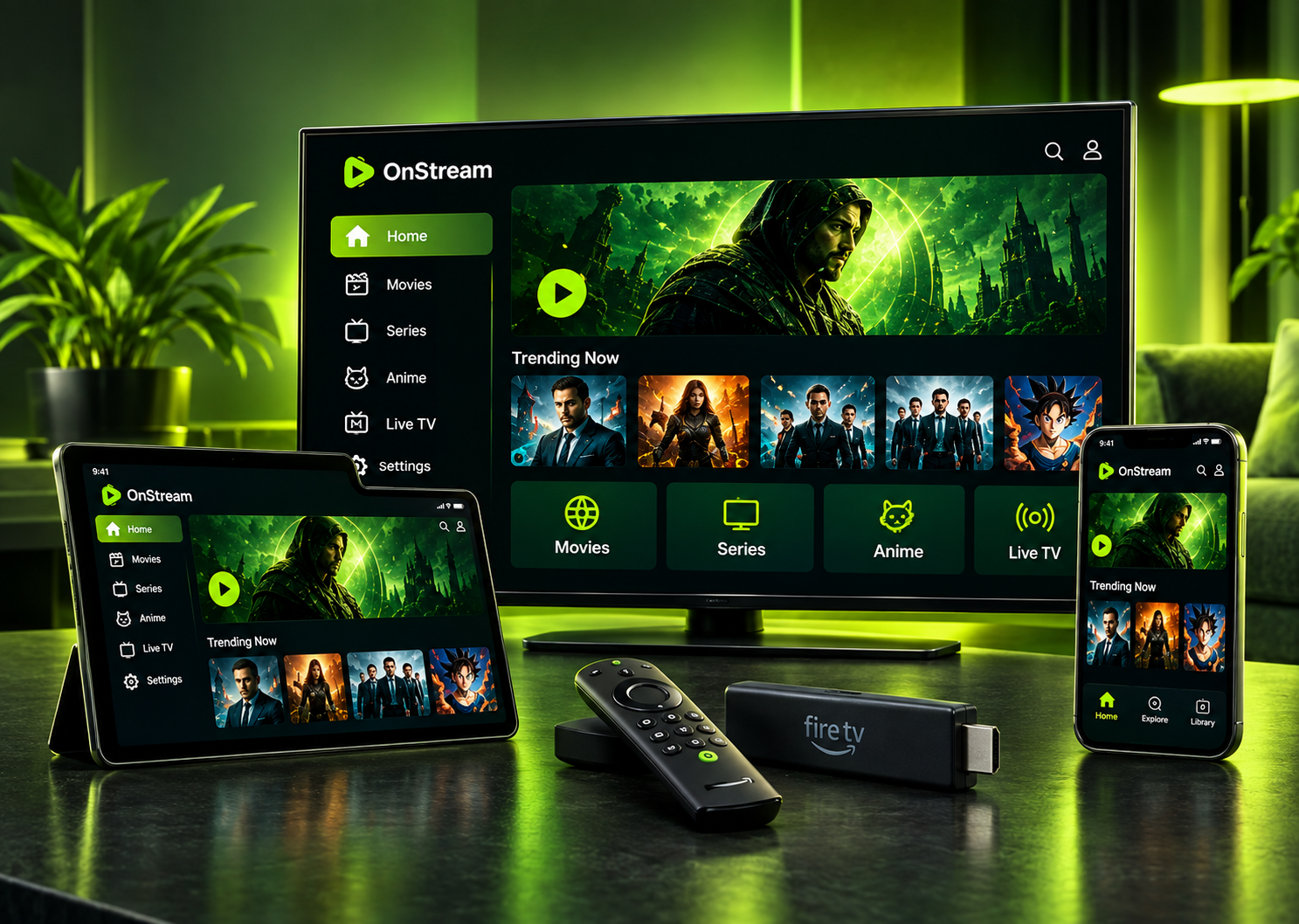
Because OnStream is installed as an APK outside the Play Store, you manage its versions yourself, and that raises a few common questions. Should you always run the newest build? When is an OnStream old version actually useful? And are the “mod” versions worth it? This guide answers all three, honestly, and explains how to move between versions safely.
# OnStream APK Latest Version
The current build listed across download pages is OnStream version 1.2.0, made for Android 5.0 and above. For most people, the latest version is the one to install. These apps depend on external servers, and when those change, older builds are usually the first to stop loading, so staying current is the simplest way to keep playback working.
Because there is no Play Store entry, the app does not update itself. When a newer version appears, you download it and install it over the existing one, which normally keeps your saved data in place.
# Why Keep OnStream Updated?
Running the newest release matters more here than with a normal app, for a few reasons:
# When to Use an OnStream Old Version
An older build is not usually the goal, but there are cases where an OnStream old version helps:
Outside these situations, the newest release is the better pick. Keep in mind that an OnStream old version can stop loading content at any time if the servers move on, so treat it as a temporary fix rather than a long-term choice.
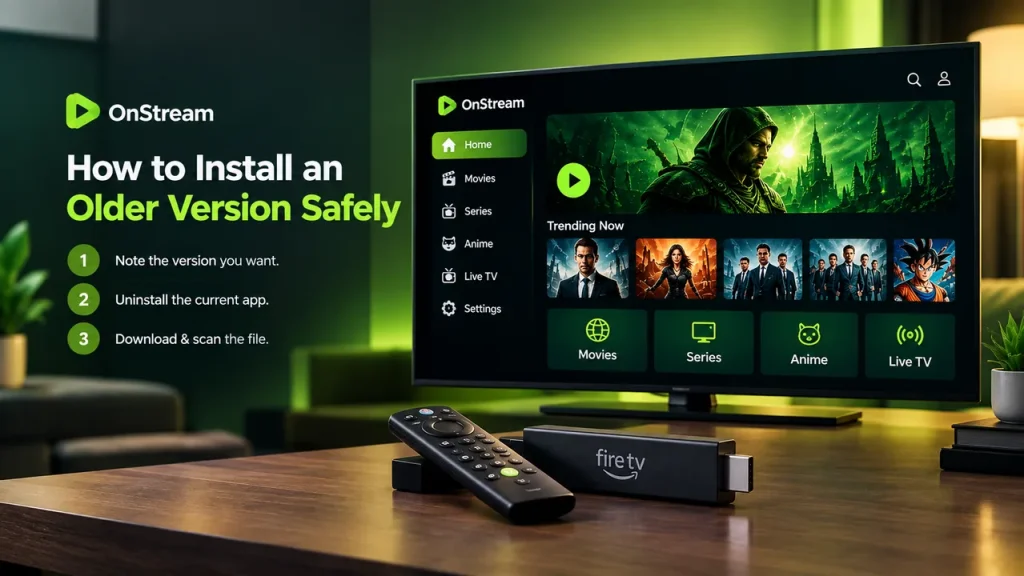
# How to Install an Older Version Safely
Moving to a previous build takes an extra step, because Android will not install an older version straight over a newer one.
1
Note the version you currently have, in case you want to return to it.
2
Uninstall the current app from your device.
3
Download the OnStream APK old version you want from a source you trust, and scan the file first.
4
Open the file and install it, allowing unknown sources if prompted.
5
Open the app and check that content still loads, since older builds are not guaranteed to keep working.
Uninstalling removes downloaded titles and local settings, so this is worth doing only when a newer build is genuinely causing problems.
# OnStream Mod APK: What You Should Know
“Mod” versions of OnStream are widely advertised, usually promising an ad-free experience or unlocked extras. It is worth being clear about what these actually offer.
The app is already free, with no paid tier to unlock, so there is little a mod can add beyond claiming to remove ads. More importantly, an OnStream mod APK comes from unofficial developers rather than the original source, which means the file has been altered by a third party. That raises the risk of hidden adware or tracking, and there is no way to verify what has been changed.
For most people, the standard latest version from a trusted page is the safer choice. If you do try a mod, treat it with extra caution, and scan it before installing.
# Is There an Official Changelog?
No. OnStream is an unofficial app without a public release history or changelog, so version notes you see on download pages are not official and can be inaccurate. Because of that, the most reliable approach is simply to run the latest build unless it causes a specific problem, rather than chasing particular version numbers.
# Is It Safe to Download Old or Mod Versions?
The safety rules are the same as for any build. Download only from a source you trust, keep unknown sources enabled only for the install, and scan the file with a tool such as VirusTotal before opening it. Old and mod versions carry the same risks as the latest one, plus a few of their own: old builds may have unpatched issues, and mods have been changed by a third party. There is a fuller breakdown on the is OnStream safe page.
# Old Version Not Working or App Not Updating? Fixes
If you run into version problems, these usually help:
# Frequently Asked Questions
# The Bottom Line
For OnStream, version management comes down to a simple rule: run the latest build unless it gives you a reason not to. An OnStream old version is a temporary fix for a phone that struggles with a new release, and mod versions promise little on an app that is already free while adding third-party risk. Whichever version you choose, download only from a source you trust, scan the file first, and expect older builds to stop working once the servers move on.