
OnStream Not Working? Why It Happens and How to Fix It (2026)
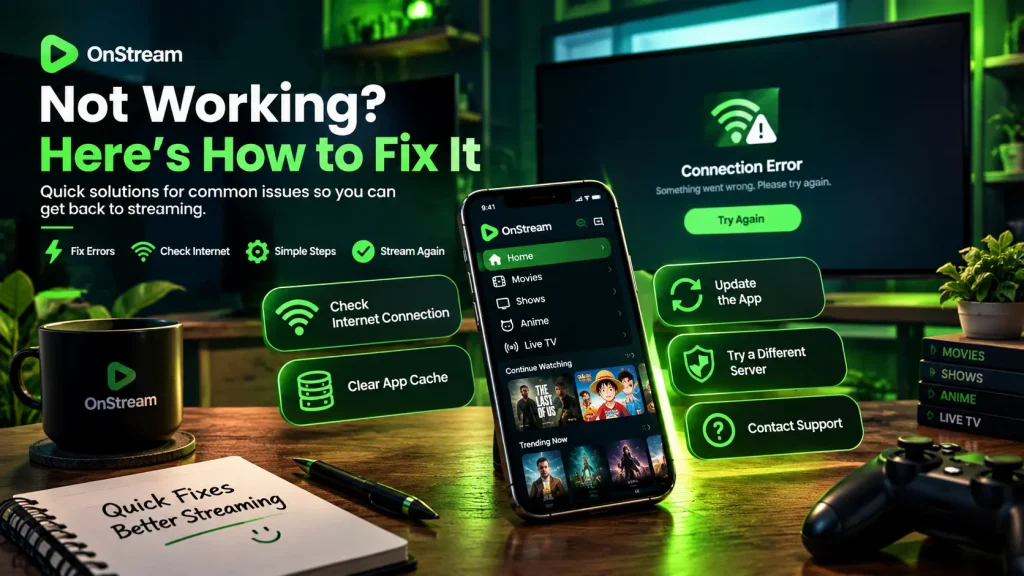
It is frustrating when the app fails right as you sit down to watch. If you are seeing OnStream not working, the cause is usually one of a handful of common problems, and most have a quick fix. This guide walks through why it happens, how to tell whether the issue is on your end or the app’s, and the steps that get it running again.
# Is OnStream Down Right Now?
In most cases, when a title or the whole app will not load, the problem is on the service side rather than your device. If the app opens but nothing plays, or the site does not respond, the servers are likely overloaded or an address has gone offline.
Before anything else, run a quick check: open another app or website to confirm your internet is working. If your connection is fine and only OnStream is not working, move on to the steps below.
# Why OnStream Stops Working
There are a few common reasons behind OnStream not working, and knowing which one you are facing makes it faster to fix.
- Overloaded servers. During popular releases or live events, too many people stream at once and the source servers cannot keep up.
- A blocked or changed address. Providers often block free streaming sites, and the service then moves to a new web address, so an old link stops loading.
- An outdated version. A build that is out of date can stop working when the app changes its servers behind the scenes.
- A weak or unstable connection. Slow or dropping Wi-Fi causes buffering, freezing and failed loads.
- App glitches. A full cache or a background error can stop the app from opening or playing.
# Is It Just Me, or Is OnStream Down for Everyone?
It is worth working out whether OnStream is not working for everyone or only on your device.
- Try another network, such as switching from Wi-Fi to mobile data. If it works, the issue may be your provider blocking the service.
- Test the app and the web version. If one works and the other does not, the problem is local, not a full outage.
- Look for recent reports from other users on social media or forums. Many complaints at the same time point to a wider outage.
- Check your device date and time. If these are wrong, they can break secure connections.
# How to Fix OnStream Not Working
If OnStream is not working, work through these steps in order. Most issues clear within the first few.
- Wait and retry. Outages from overloaded servers often pass on their own in a few minutes.
- Switch the streaming server. If a title has more than one source, pick another server in the player.
- Restart the app, or reload the page if you are using the web version.
- Change your network, from Wi-Fi to mobile data or the other way around, to rule out a connection issue.
- Clear the app’s cache in your device settings, then reopen it.
- Update to the latest version, or use the current official web address instead of an old bookmark.
- Reinstall the app if nothing else works, using the newest APK from a trusted source.
# Fixing Specific Problems
Beyond the general steps, some causes of OnStream not working have their own fix.
Videos Buffer or Freeze
Lower the video quality in the player, restart your router, and use a 5 GHz Wi-Fi network or a wired connection where possible. Buffering during live events is usually a busy server, so switching source can help.
A Title Will Not Play
Try another streaming server, since a single link can go down while others still work. If no source plays, the title may have been removed from the third-party servers it was pulled from.
The App Crashes or Will Not Open
Clear the cache, restart your device, and make sure you are on the latest version. If it keeps closing, reinstall it.
The Site Will Not Load at All
The address may have moved or been blocked. Find the current official web address rather than an old link, and be careful with clone sites that copy the design.
# Is OnStream Blocked by Your Provider?
If OnStream works on mobile data but not on home Wi-Fi, or the other way around, your internet provider may be blocking the service. In that case, a reputable VPN can usually restore access by changing your connection route. A VPN adds privacy, but it does not change the legal position of streaming unlicensed content, and licensed services do not get blocked this way.
# When It Is Not Coming Back
Sometimes an app or address is gone for good rather than temporarily down. Free streaming apps change addresses and versions often, so if a source has been dead for a while, look for the latest version and current address instead of waiting. If you would rather not deal with the constant changes, free, legal services such as Tubi, Pluto TV and The Roku Channel do not go down or move, and there is a fuller list on the OnStream alternatives page.
# Frequently Asked Questions
# The Bottom Line
When OnStream is not working, it is almost always a temporary server overload or a blocked or changed address, rather than a problem with your device, and it usually comes back on its own. Confirm your internet is fine, wait and retry, switch servers, update the app, and use the current official address. If the service is blocked by your provider, a VPN can help. And because these apps change and drop often, a licensed service remains the option that does not go down.